Pinhole
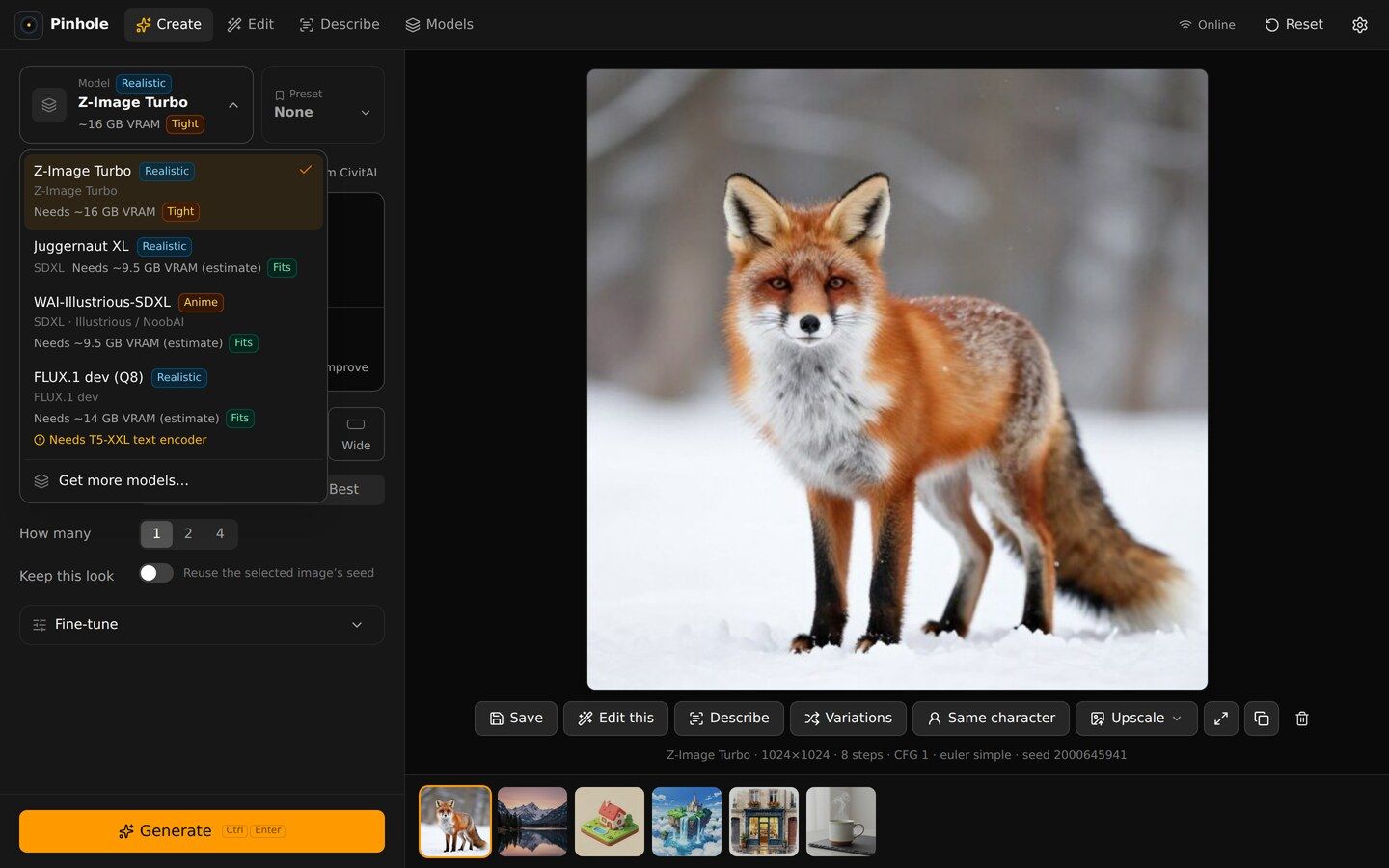
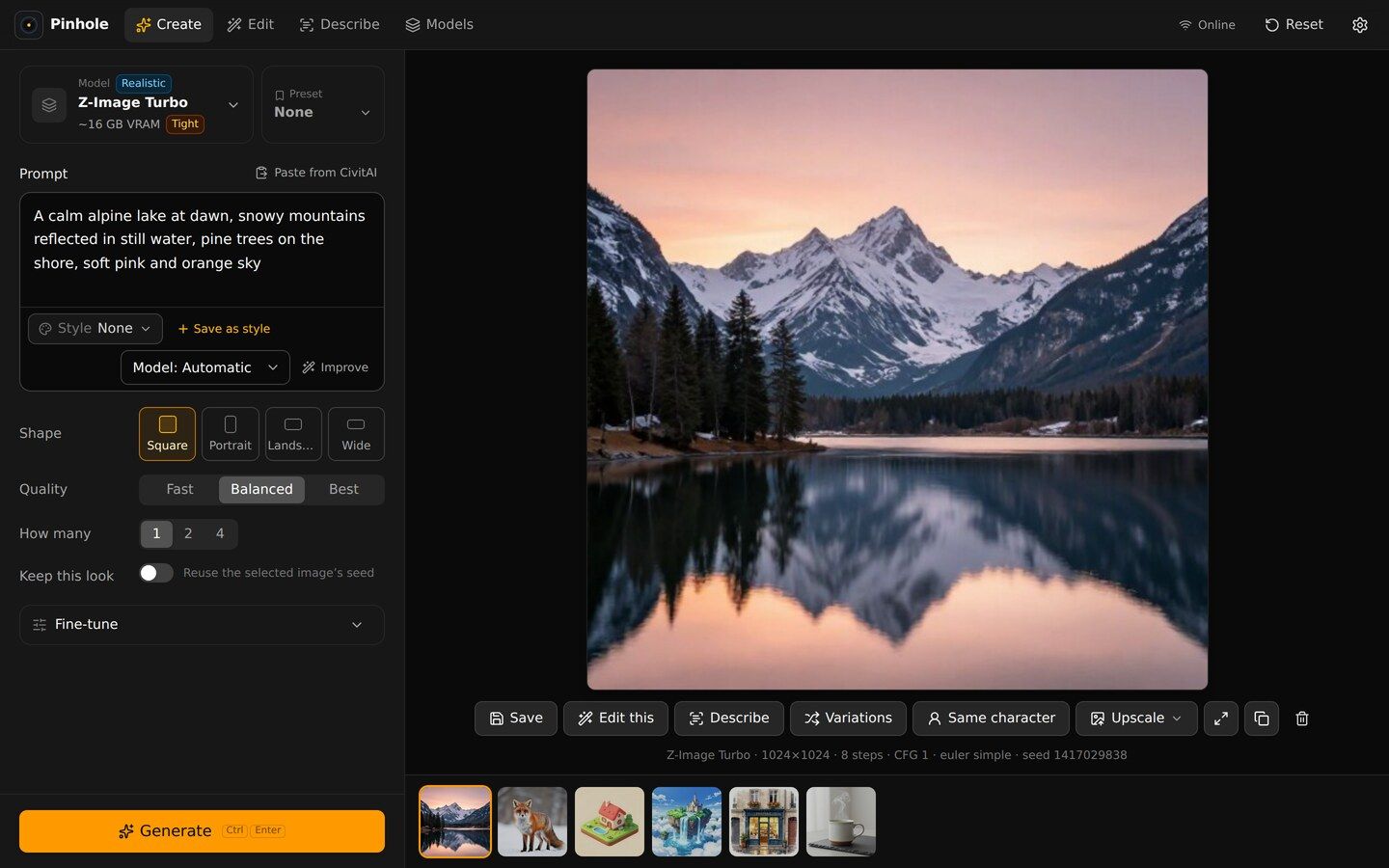
A private AI image generator that runs on your own computer. Pick a model, type, Generate.
- merged pull requests
- 231
- Rust crates in the workspace
- 8
- Rust tests
- ~800
- first commit to v1.0.0
- 3 days
Local image generation is powerful and miserable. The usual tools hand you a node graph, a Python environment and a wiki. A pinhole is the simplest possible camera — so Pinhole is the simplest possible image generator: pick a model, type what you want, press Generate.
What it does
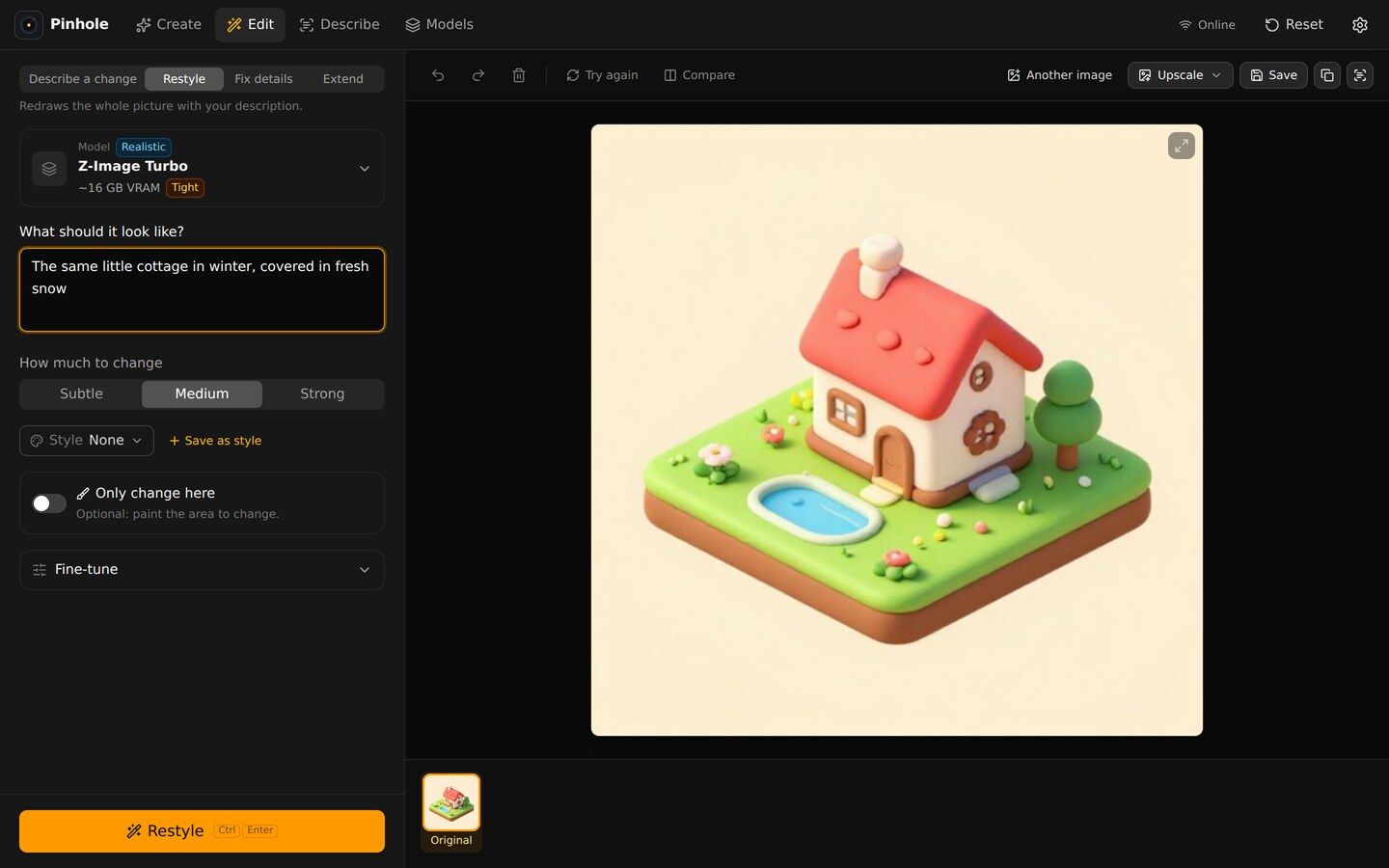
- Create, edit and describe images with models that run entirely on your machine — no accounts, no cloud, no telemetry.
- Knows your hardware. It detects the GPU (NVIDIA, AMD, Intel, or CPU fallback) and recommends models that actually fit in VRAM.
- Built-in CivitAI browser with Safe mode on by default.
- On-device safety checks — word lists plus an ONNX image classifier — so the guardrails never phone home either.
How it’s built
The app is a Tauri 2 shell around a Rust workspace of eight crates — registry, net, store, hardware,
engine, catalog, check and core — with a React 19 + TypeScript UI. Generation runs through
stable-diffusion.cpp and descriptions through llama.cpp, both downloaded as pinned,
SHA-256-verified binaries.
Shipping it properly
Every merge has to pass a local check — the Rust and frontend test suites, an offline-mode test and a privacy
“sentinel” scan that fails if anything tries to talk to the network when it shouldn’t. A full CI run goes further: a
real image-generation smoke test on Windows and Ubuntu and a WebDriver end-to-end suite. Releases go out as an
NSIS installer, a portable zip, an AppImage and a .deb, with checksums signed by minisign.
The first commit landed on 28 September 2026. v1.0.0 shipped on 1 October. 877 commits and 231 merged pull requests later it’s at v1.1.3 — built with AI agents as teammates and me as the one who says no.